 Special Webinars
 Training


- you know the basic and advanced features of QF-Test
- you know how to implement and maintain test cases for your application
- you will be better able to identify and implement optimization potential and automation opportunities.
- you will be aware of the fundamental challenges of UI testing and able to address them in a solution-oriented manner.
- you will increase the efficiency and quality of your testing processes in the long term.

Training content
- Installation, structure and use of QF-Test
- Capture/replay, first test case and creation of a test suite
- Testresults (run log, report)
- Checks, regular expressions
- Modularization with variables and procedures
- Debugger
- Test documentation
- Control structures (“if-else”, loop, “try-catch”)
- Component recognition (windows, complex components, SmartIDs)
- Data-driven testing
- Distributed test development and working in a team
- Prerequisites and post-conditions (dependencies)
- Testing of specific UIs (Java, Web, Win) & PDF documents
- Recovery management, advanced dependencies
- Best practices and advices on starting a project
- Scripting – Basics for the interface to QF-Test


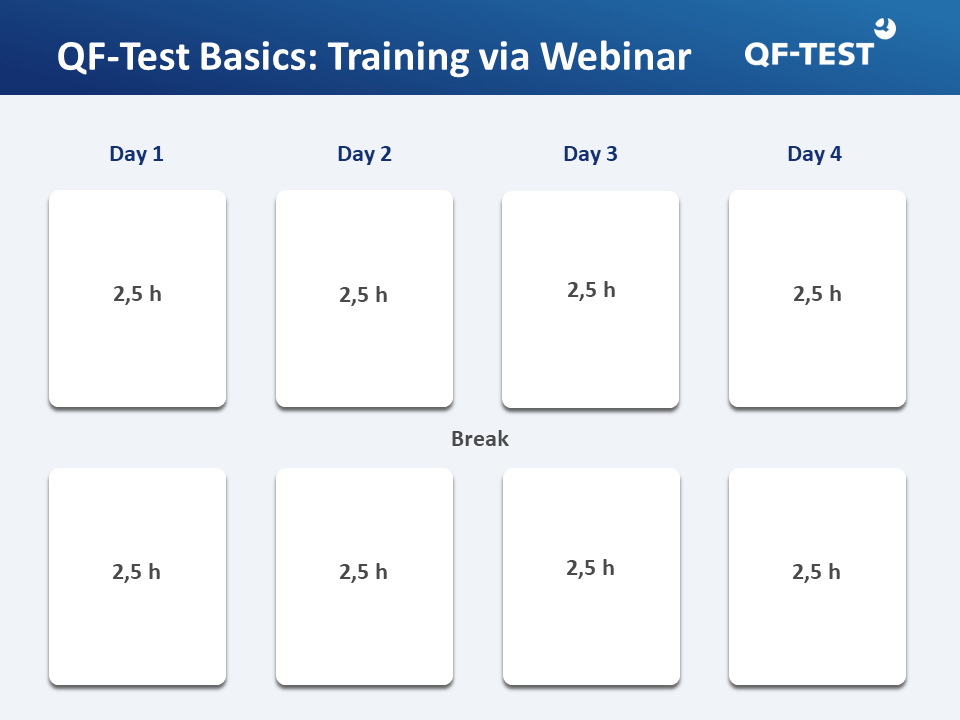
Schedule for your training days

- The provision of a separate computer and headset per participant, so that you can do exercises yourself.
- Ideally, you should activate your camera so that you can interact with the trainer as you would during an on-site training course.

- Online training saves time and expenses.
- Participate comfortably from your individual workplace.
- Effective and fast knowledge transfer in small groups up to a maximum of 8 participants.
- Questions can be asked at any time.
Further QF-Test trainings


Our QF-Test trainers

Beáta Pázmány
+49 8171 38648-10
Sr. Quality Assurance Manager & Trainer
ISTQB Certified Tester, Foundation Level
ISTQB Certified Agile Tester

Thomas Max
+49 8171 38648-10
Sr. Software Engineer & Trainer
ISTQB Certified Tester, Foundation Level

Max Melzer
+49 8171 38648-10
Software Developer & Trainer

Ute Erler
+49 8171 38648-10
Sr. Consultant & External Trainer,
Erler Consulting International GmbH

Technical preconditions for remote sessions:
We are using Microsoft Teams at no additional costs. On request, other software may also be used, provided that interoperation and functionality is confirmed by all parties.
Please ensure that the technical, organizational and security requirements are met on your side. In particular your company’s policy must not preclude remote desktop sharing sessions with the webinar software intended to be used and interoperability of the latter with your network infrastructure must be verified.