Tutorial: Using GitHub Copilot with the QF-Test AI Integration
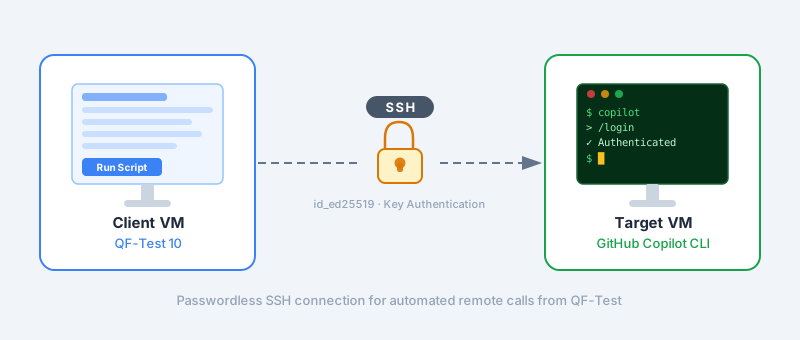
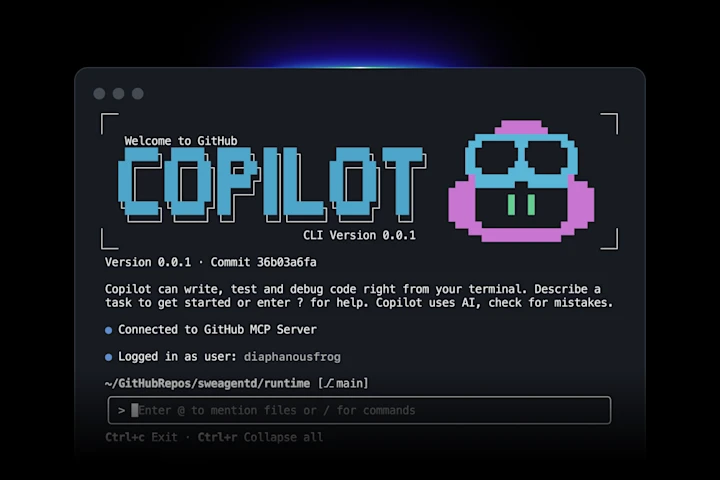
Since QF-Test 10, AI-driven capabilities are integrated directly into your testing workflow. This post shows how to connect GitHub Copilot to QF-Test using a simple custom model and the Copilot CLI.
Testing ZK Applications with QF-Test in 2026
This text was originally published as a ZK Small Talk. ZK is a framework for building web applications with Java and a long-standing partner of QF-Test.
Scrolling on the Web with QF-Test – The complete guide
In this blog post, I will tell you all about how to control how QF-Test scrolls your web application and how to control that scrolling yourself.
Maximizing SUT windows – a good idea?
Scale windows in QF-Test rather than maximize them – this ensures stable and reproducible tests. If you still need full-screen mode, you can maximize windows with a small script.
How can I create screenshots of my client application with QF-Test?
Screenshots from QF-Test can be saved easily with a simple script. This allows screen recordings to be used specifically for further analysis or documentation purposes – without any detour via the run log.
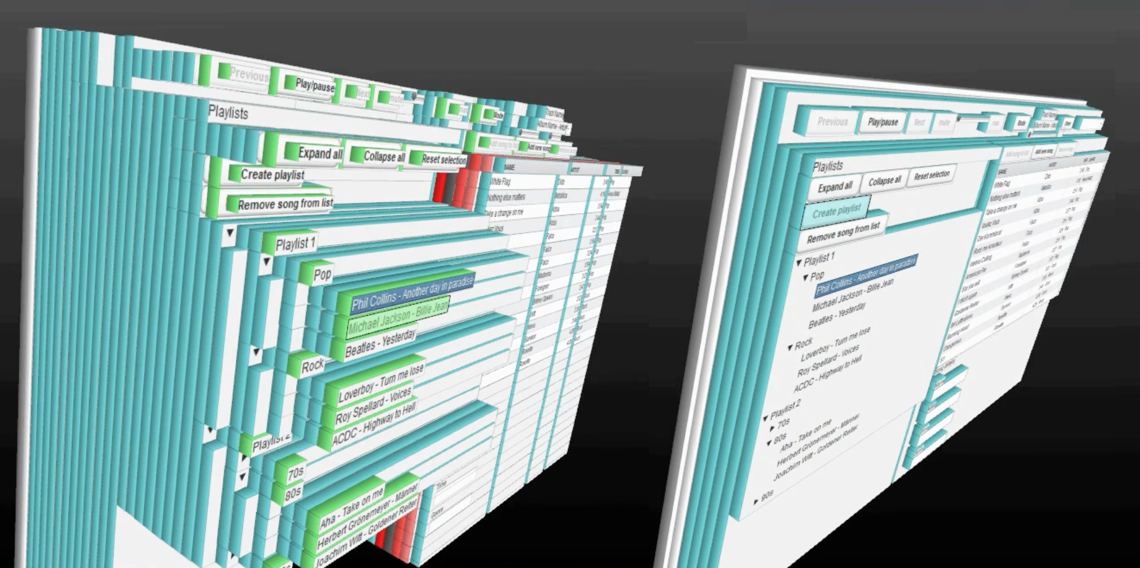
It’s not magic: How the CustomWebResolver makes your web application UI testable
We explain why QF-Test is so much better at testing web applications than other tools and what this “CustomWebResolver” has to do with it.
Objects in QF-Test variables – an overview
QF-Test 9 introduces object variables. This new feature has an effect on many parts of QF-Test. This article presents an overview of the most important new features.
Extending the QF-Test Assertion API – A practical introduction
The API of the fluid check expressions in QF-Test is well equipped so that most checks can be written very easily. In some special cases, however, you may wish to extend the API, as is possible with chai.JS plugins. In this post, we show you how.
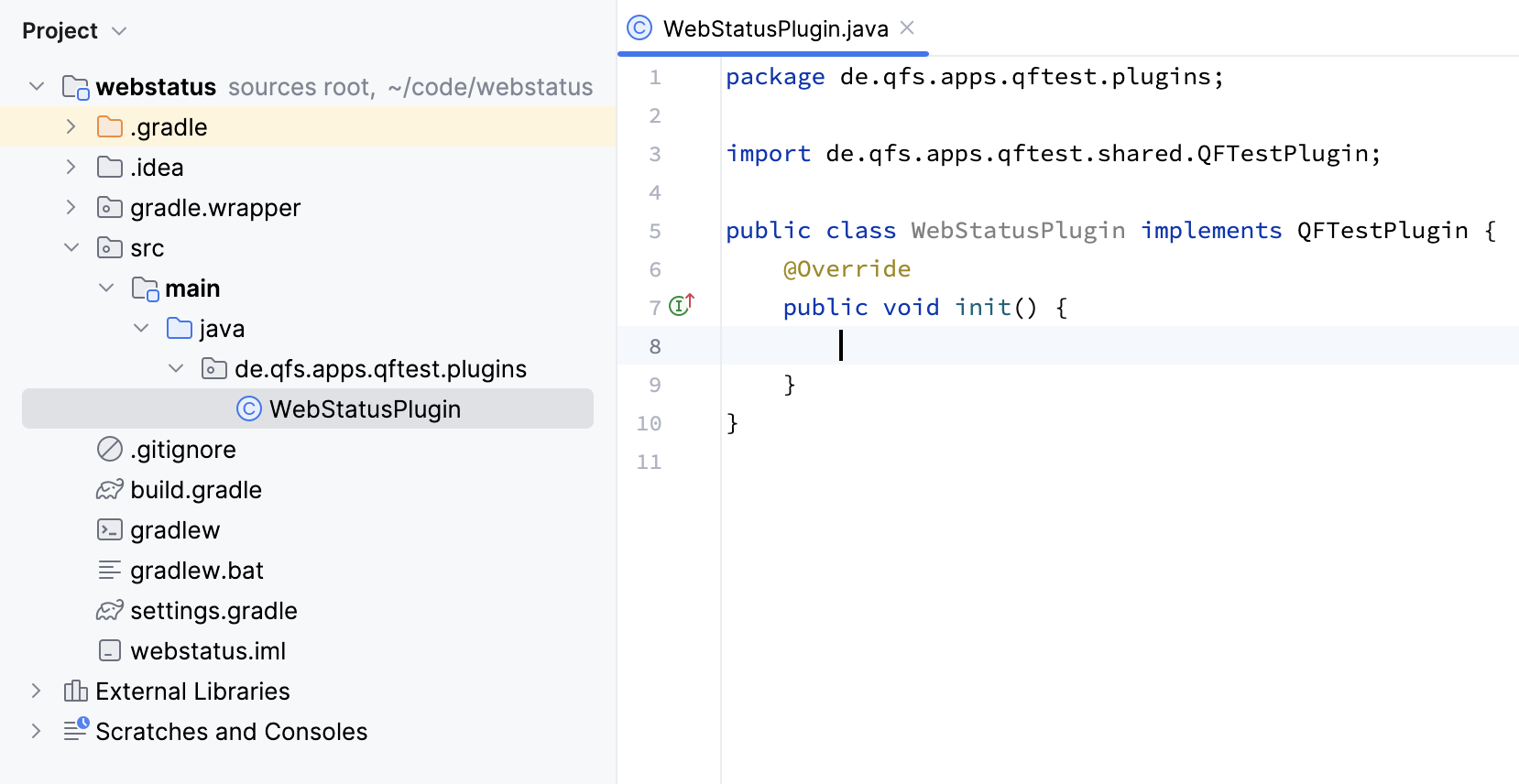
Introduction to QF-Test Plugin Development
In this blog post we unveil the full potential of QF-Test plugins.
Annotating screenshots with QF-Test
For many people a picture is worth a thousand words. That’s why, in this article, we will show how to add various annotations to screenshots using QF-Test.
Integrating QF-Test with TeamCity in three easy steps
QF-Test can be integrated with common CI tools like Jenkins and TeamCity. In this post, we demonstrate how to integrate QF-Test into TeamCity CI in three easy steps
Switching languages in QF-Test
QF-Test is multi-lingual – and many of our users are, too. In this post we explain how you can control the interface language of QF-Test.
SmartID – The next generation of component recognition
We are always working on improving component recognition in QF-Test. With QF-Test 6.0 we introduced a completely new paradigm: SmartID
Testing Content Security Policy (CSP) protected web pages with Firefox
Strong CSP rules make it more difficult to test them with Firefox from version 99 on.
4 Quick Tips from the QF-Test Support Team
Day in, day out, our diligent support team answers our customers’ questions. Here are some of their answers about data drivers, error message filtering, and variable defaults.
Running Website Tests in Parallel with QF-Test
Running multiple tests at once could improve test execution time a lot (if raw system performance is not a bottleneck) while saving lots of infrastructure overhead because everything can run on one machine.
Working as a Team with QF-Test – Dos and Don’ts
Sure, a team of testers can handle extensive test projects faster and better than a single person. But some things that may seem simple at first actually can become much more difficult when working in a team.
Testing Excel files
Excel files can be read into QF-Test using a simple procedure call where the procedure qfs.utils.files.readExcelFile must be called.
How to test browsers like Brave, Vivaldi, Yandex, Iron
QF-Test natively supports testing websites with Chrome, Firefox, Edge, some others and even good old Internet Explorer. But there are plenty of other, lesser-known browsers that you might still want to run your tests with, such as Chromium, Brave, Iron, Vivaldi and Yandex.
TestRunListeners in QF-Test
The TestRunListener interface can be used to execute additional actions before or after the execution of each node or in the case of any exception / error. This actions can (for example) be used for testdocumentation or error analysis. In the following some TestRunListeners are introduced (Jython server scripts).
We use "Matomo" cookies to anonymously evaluate your visit to our website. For this we need your consent, which is valid for twelve months.
We use functional cookies to ensure the basic functionality of the website.
We use Matomo for analyzing and optimizing our website. Cookies permit an anonymous collection of information that help us offering you a clear and user-friendly visit of our web pages. Enable Matomo cookies