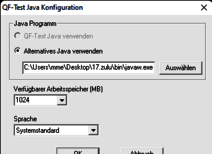
Comment exécuter le serveur de licences QF-Test en tant que service Windows
L’exécution du serveur de licences QF-Test en tant que service Windows garantit un démarrage prévisible, une résilience après les redémarrages et une exploitation simple pour les utilisateurs techniques et non techniques.
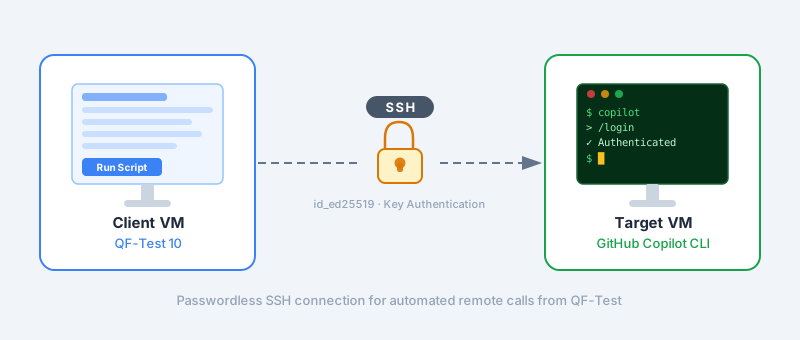
Utiliser GitHub Copilot CLI via SSH distant depuis QF-Test
Ce guide explique comment utiliser la GitHub Copilot CLI via une connexion SSH distante directement depuis QF-Test — y compris la configuration des clés SSH et le dépannage.
How to use the QF-Test AI integration with a free local model using Ollama
QF-Test has always been about reliable, maintainable test automation for web, desktop, Java-based, and mobile applications. With the new AI integration in QF-Test 10, you can enhance your tests with AI-driven insights — and the best part is, you don’t need to rely on cloud services. In this post, we …
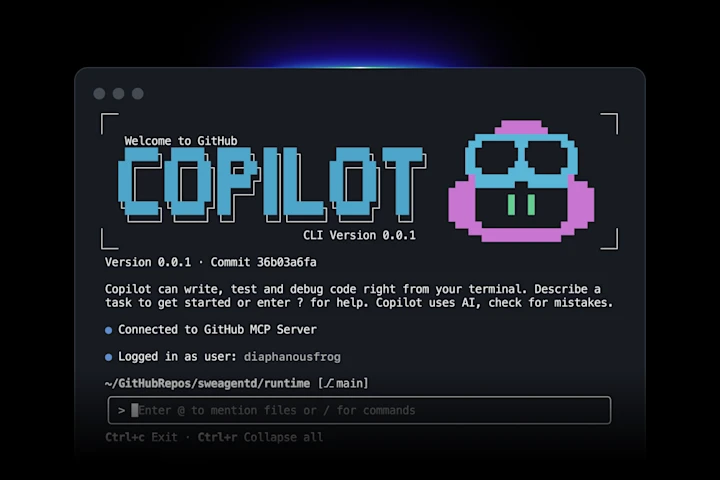
Tutorial: Using GitHub Copilot with the QF-Test AI Integration
Depuis QF-Test 10, les capacités basées sur l’IA sont intégrées directement dans votre flux de travail de test. Cet article montre comment connecter GitHub Copilot à QF-Test en utilisant un modèle personnalisé simple et le Copilot CLI.
Tests des applications ZK avec QF-Test en 2026
Ce texte a été publié à l’origine en anglais sous le titre ZK Small Talk. ZK est un framework permettant de créer des applications web en Java et un partenaire de longue date de QF-Test.
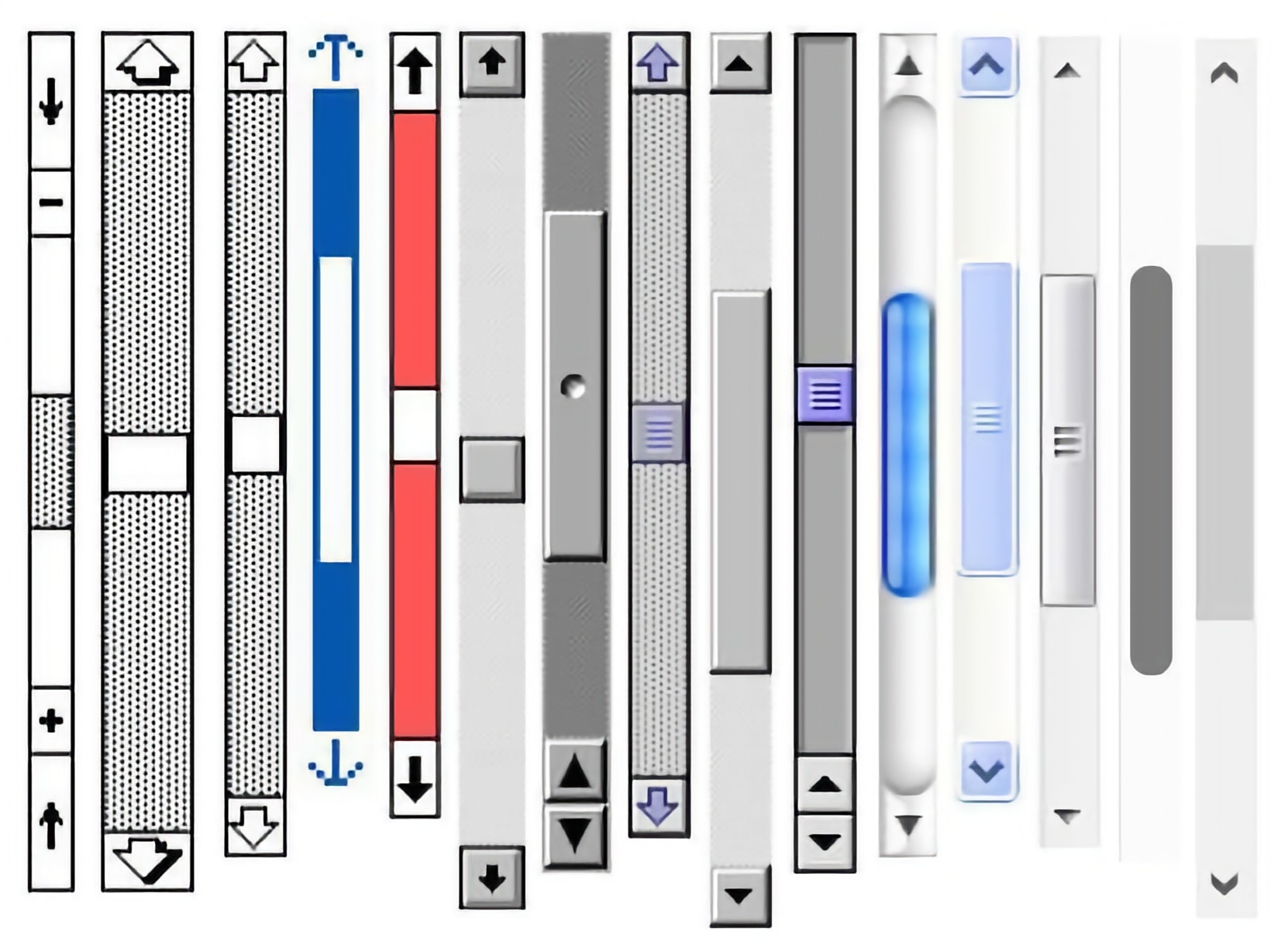
Défilement sur le Web avec QF-Test – Le guide complet
Dans ce billet, je vais vous expliquer comment contrôler la façon dont QF-Test fait défiler votre application web et comment contrôler ce défilement vous-même.
Maximiser la fenêtre SUT – une bonne idée ?
Dans QF-Test, il vaut mieux redimensionner les fenêtres de manière ciblée plutôt que de les maximiser – cela garantit des tests stables et reproductibles. Pour ceux qui ont quand même besoin du mode plein écran, un petit script permet de maximiser les fenêtres de manière ciblée.
Comment puis-je faire des captures d’écran de mon application client avec QF-Test ?
Avec un simple script, les captures d’écran de QF-Test peuvent être sauvegardées de manière flexible. Ainsi, les captures d’écran peuvent être utilisées de manière ciblée pour d’autres analyses ou à des fins de documentation – sans passer par le protocole.
Ce n’est pas de la magie : comment le CustomWebResolver rend l’interface utilisateur de votre application web testable
Nous expliquons pourquoi QF-Test est tellement meilleur que d’autres outils pour tester les applications web et ce que ce « CustomWebResolver » a à voir avec cela.
Objects in QF-Test variables – an overview
QF-Test 9 introduit des variables d’objet. Cette nouvelle fonctionnalité a un effet sur de nombreuses parties de QF-Test. Cet article présente un aperçu des fonctionnalités nouvelles les plus importantes.
Extending the QF-Test Assertion API – A practical introduction
L’API des expressions de vérification fluides dans QF-Test est bien équipée afin que la plupart des vérifications puissent être écrites très facilement. Dans certains cas particuliers, cependant, vous pouvez souhaiter étendre l’API, comme c’est possible avec les plugins chai.JS. Dans cet article, nous vous montrons comment.
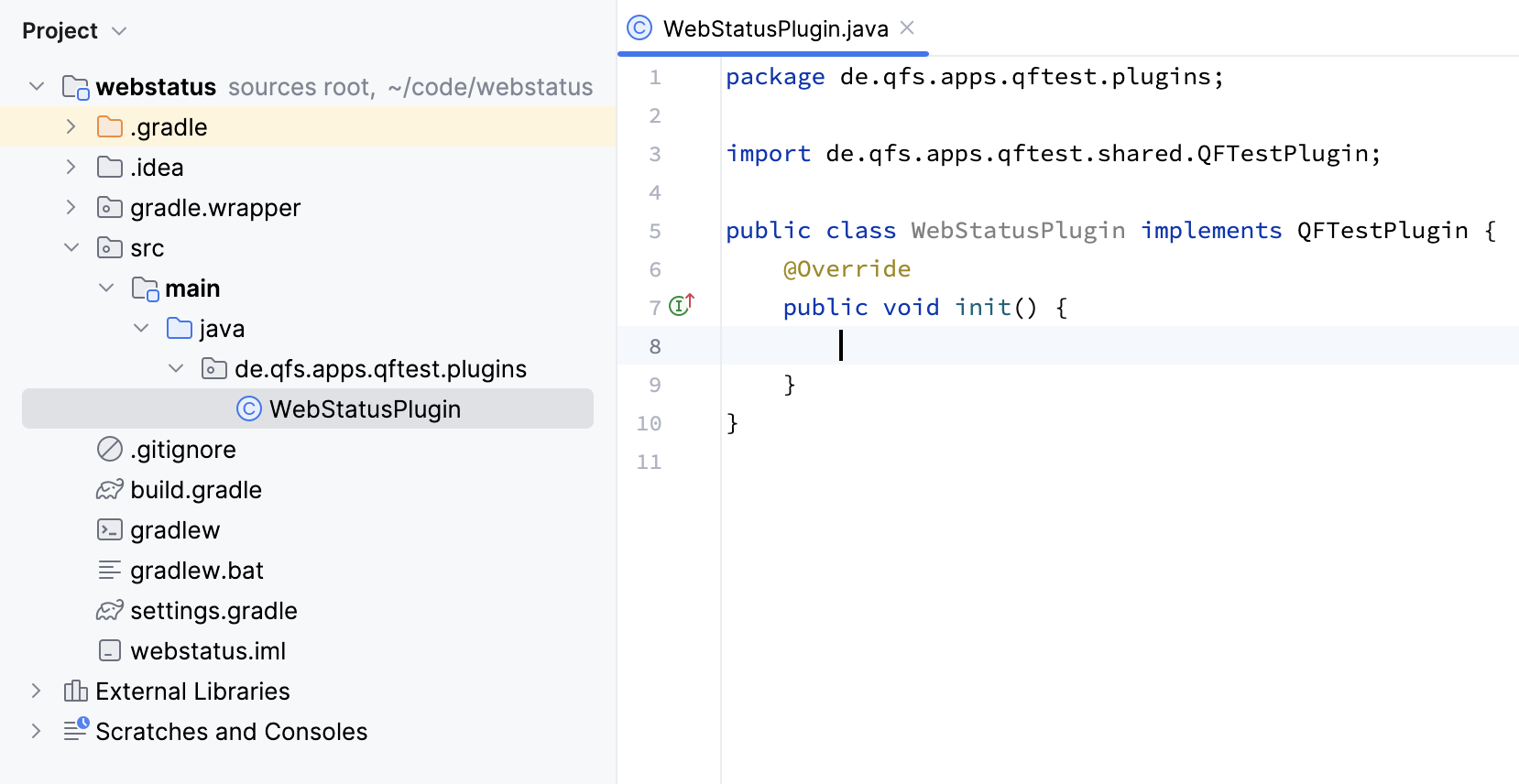
Introduction to QF-Test Plugin Development
Dans cet article de blog, nous dévoilons le plein potentiel des plugins QF-Test.
Annotating screenshots with QF-Test
Pour beaucoup de gens, une image vaut mille paroles. C’est pourquoi, dans cet article, nous vous montrerons comment ajouter diverses annotations aux captures d’écran à l’aide de QF-Test.
Integrating QF-Test with TeamCity in three easy steps
QF-Test peut être intégré aux outils CI courants comme Jenkins et TeamCity. Dans cet article, nous démontrons comment intégrer QF-Test dans TeamCity CI en trois étapes faciles
Switching languages in QF-Test
QF-Test est multilingue – et beaucoup de nos utilisateurs aussi. Dans cet article, nous expliquons comment vous pouvez contrôler la langue de l’interface de QF-Test.
SmartID – The next generation of component recognition
Nous travaillons toujours à l’amélioration de la reconnaissance des composants dans QF-Test. Avec QF-Test 6.0, nous avons introduit un paradigme complètement nouveau : SmartID
Test des pages web protégées par la stratégie de sécurité du contenu (CSP) avec Firefox
Les règles strictes de la CSP rendent plus difficile de les tester avec Firefox à partir de la version 99.
4 conseils rapides de l Ȏquipe de support QF-Test
Jour après jour, notre équipe d’assistance diligente répond aux questions de nos clients. Voici quelques-unes de leurs réponses concernant les pilotes de données, le filtrage des messages d’erreur et les valeurs par défaut des variables.
Exécution de tests de sites Web en parallèle avec QF-Test
L’exécution de plusieurs tests à la fois pourrait améliorer considérablement le temps d’exécution du test (si les performances brutes du système ne constituent pas un goulot d’étranglement) tout en économisant beaucoup de frais généraux d’infrastructure, car tout peut s’exécuter sur une seule machine.
Travailler en équipe avec QF-Test – Dos and Don’ts
Bien sûr, une équipe de testeurs peut gérer des projets de test étendus plus rapidement et mieux qu’une seule personne. Mais certaines choses qui peuvent sembler simples au départ peuvent en réalité devenir beaucoup plus difficiles lorsque vous travaillez en équipe.
Nous utilisons des cookies "Matomo" pour l'évaluation anonyme de votre visite à note page web. Pour cela nous avons besoin de votre consentement qui est valable pour douze mois.
Nous utilisons des cookies fonctionnels pour garantir la fonctionnalité de base du site web.
Nous utilisons Matomo pour analyser et améliorer notre site web. Des cookies permettent une collection anonyme des informations qui nous aident à vous offrir un visite clair et facile à utiliser de nos pages web. Activer les cookies Matomo
 Vidéos
 Blog QF-Test
 Manuel
 Tutoriel
 FAQ
FAQ

 Mike Schmidt

 Max Melzer

 Pascal Bihler
 Yann Spöri
 Karlheinz Kellerer